
“Action Required” Emails: How to Spot Them and What to Do
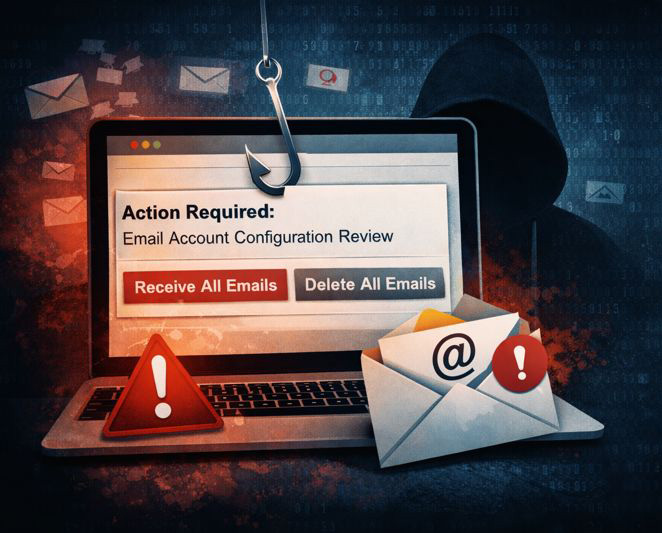
If you run a business, chances are you’ve received an email with a subject line like “Action Required”, “Mailbox Issue”, or “Email Account Configuration Review”. They usually sound urgent, slightly technical, and just scary enough to make you hesitate.
One thing to realise – almost all of these emails are scams.
A common example
These emails often claim things like:
- Your mailbox couldn’t sync properly
- Emails are “pending” and need manual approval
- Your account will be suspended or emails deleted
- You must click a button to “receive” or “release” messages
They may even mention technical details like IMAP, SSL, or port 993 to sound legitimate.
In reality, email systems simply don’t work like that.
Why these emails are fake
Here are the biggest red flags to watch for:
1. Urgency and threats
Phrases like “you will lose them forever” are designed to make you panic and click without thinking. Legitimate providers don’t threaten account deletion via email links.
2. Vague technical language
Real email providers are specific. Scammers use fuzzy phrases like “configuration review required” without saying who they are or where the problem exists.
3. Manual email “approval”
There is no such thing as manually approving held emails because of IMAP or POP issues. Emails are either delivered or they aren’t.
4. Suspicious buttons
Options like “Receive all emails” or “Delete all emails” inside an email are a massive red flag. No provider offers account-wide actions this way.
5. Odd spelling or characters
Scammers often replace letters with look-alike characters (for example using a Greek “α” instead of an “a”) to sneak past spam filters. Humans barely notice it, but filters do.
6. No mention of your actual provider
There’s usually no reference to:
- Your email host
- Your domain provider
- cPanel, Microsoft 365, or Google Workspace
That’s because they don’t know who actually hosts your email.
What these emails are really trying to do
The goal is simple: steal your email login details.
Once someone has access to your email account, they can:
- Set up hidden forwarders to spy on emails
- Create filters to hide replies
- Send fake invoices in your name
- Reset passwords for other services linked to your email
This is how many business email compromises start.
What you should do if you receive one
Do this:
- Do not click any links or buttons
- Delete the email
- Report it as spam if your email system allows it
That’s it. If you didn’t click anything, you’re safe.
If you already clicked a link – Act quickly:
- Change your email password immediately
- Check for unknown forwarders and filters
- Run a malware scan on your computer
- Let me know so I can double-check your setup
The sooner this is done, the less damage can be done.
A simple rule of thumb
If an email:
- Creates urgency
- Threatens deletion or suspension
- Asks you to “fix” email issues via a link
Assume it’s a scam.
When in doubt, don’t click – forward it to me and I’ll happily take a look. It’s always better to ask than to clean up a compromised email account later.

 greg@tropicalcoastwebdesign.com.au


